Booting into rescue / netboot.xyz
If you need to launch a rescue shell or install your own operating system, you can use iPXE booting to launch netboot.xyz.
- Access the instance's console by going to your instance server details page, and clicking the VNC Console button.
- Press the "Send CtrlAltDel" button to reboot the instance.
- There is a few second interval during which you can press the Esc key to enter the boot menu. If you miss it, just reboot again.
- In the boot menu, select iPXE and type the appropriate number.
- Press Ctrl+B to enter the iPXE command line.
- Type the following command to boot into netboot.xyz:
dhcp
chain http://boot.netboot.xyz/ipxe/netboot.xyz.lkrn
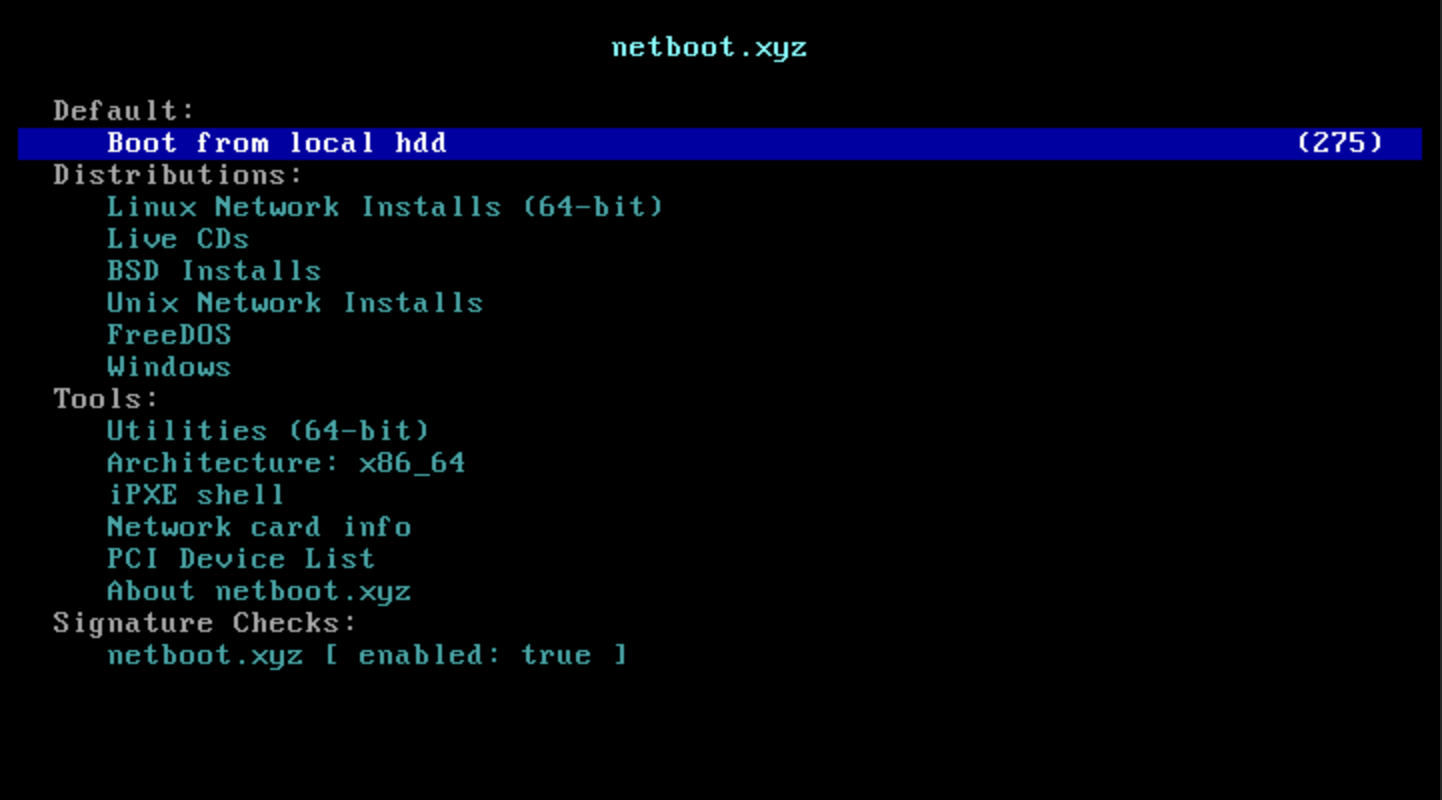
- You are now presented with a netboot.xyz screen, where you can select the desired operating system to boot into, or launch a rescue shell.